Manish Choudhary
CEO & Co-founder, Ferry | Flexprice

DocuSign IAM (CLM and Navigator)
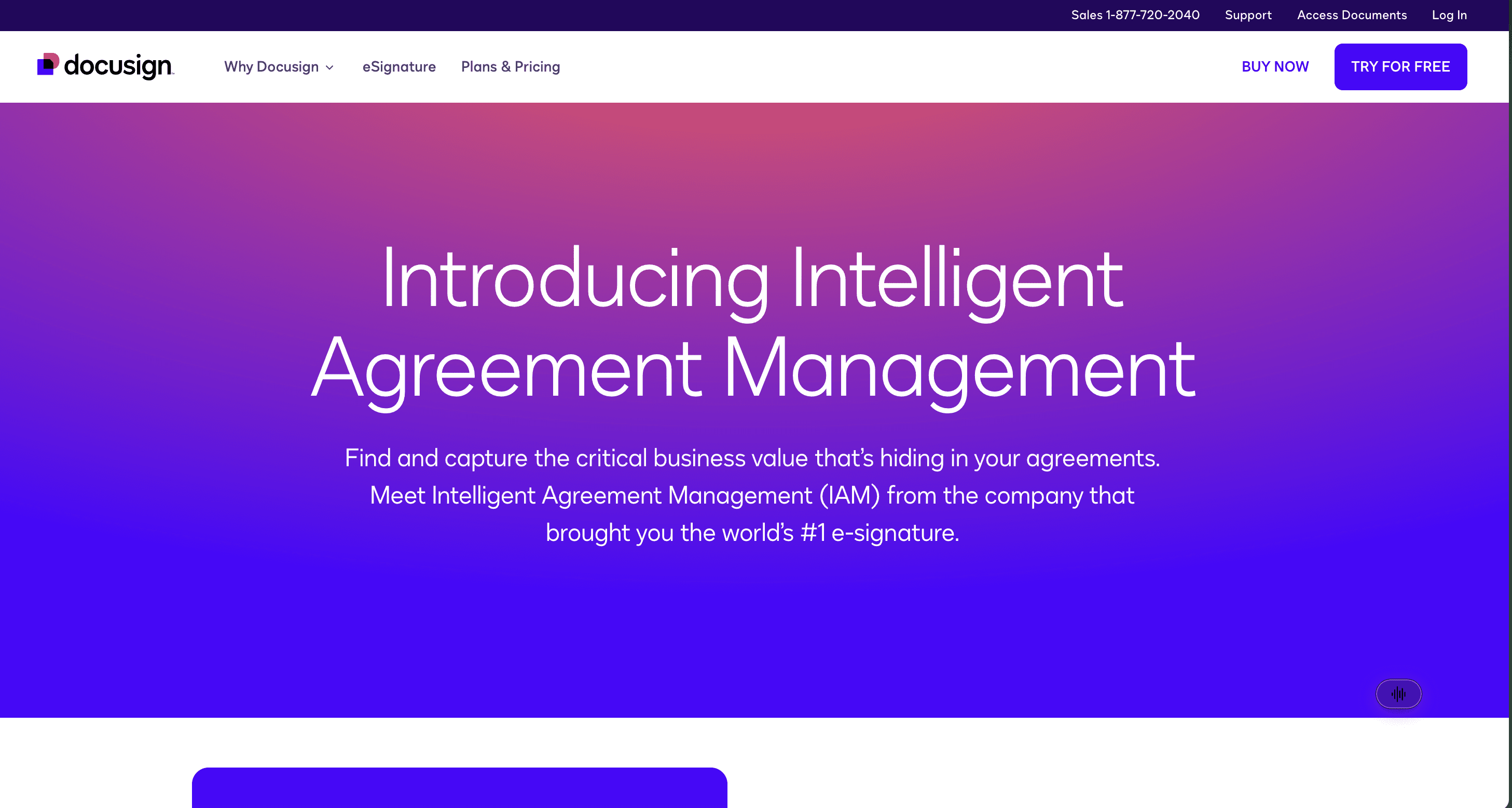
DocuSign's Intelligent Agreement Management platform is the agreement layer itself. CLM generates contracts from dynamic templates, auto-populates them from Salesforce, routes redlines through approvals, and stores everything searchably. Navigator, its AI repository, pulls parties, effective dates, financial terms, renewal conditions, and termination clauses into structured fields, and you can build custom extraction rules for your own agreement types. Its DocuSign job is all four, by definition.
Key features
Contract generation from dynamic templates, with clause libraries and conditional approval rules
AI-assisted review and negotiation, with version control and audit trails
Navigator repository extracting dates, financial terms, and renewal conditions
Obligation and renewal tracking with milestone notifications
Over 1,000 pre-built integrations, including Salesforce, SAP Ariba, and Coupa
Who it's best for
Legal and commercial teams who need the agreement lifecycle handled properly and want to know what renews when. Billing schedules and revenue recognition sit outside what IAM sets out to do, so pair it with something that owns the post-signature revenue workflow.
Ferry
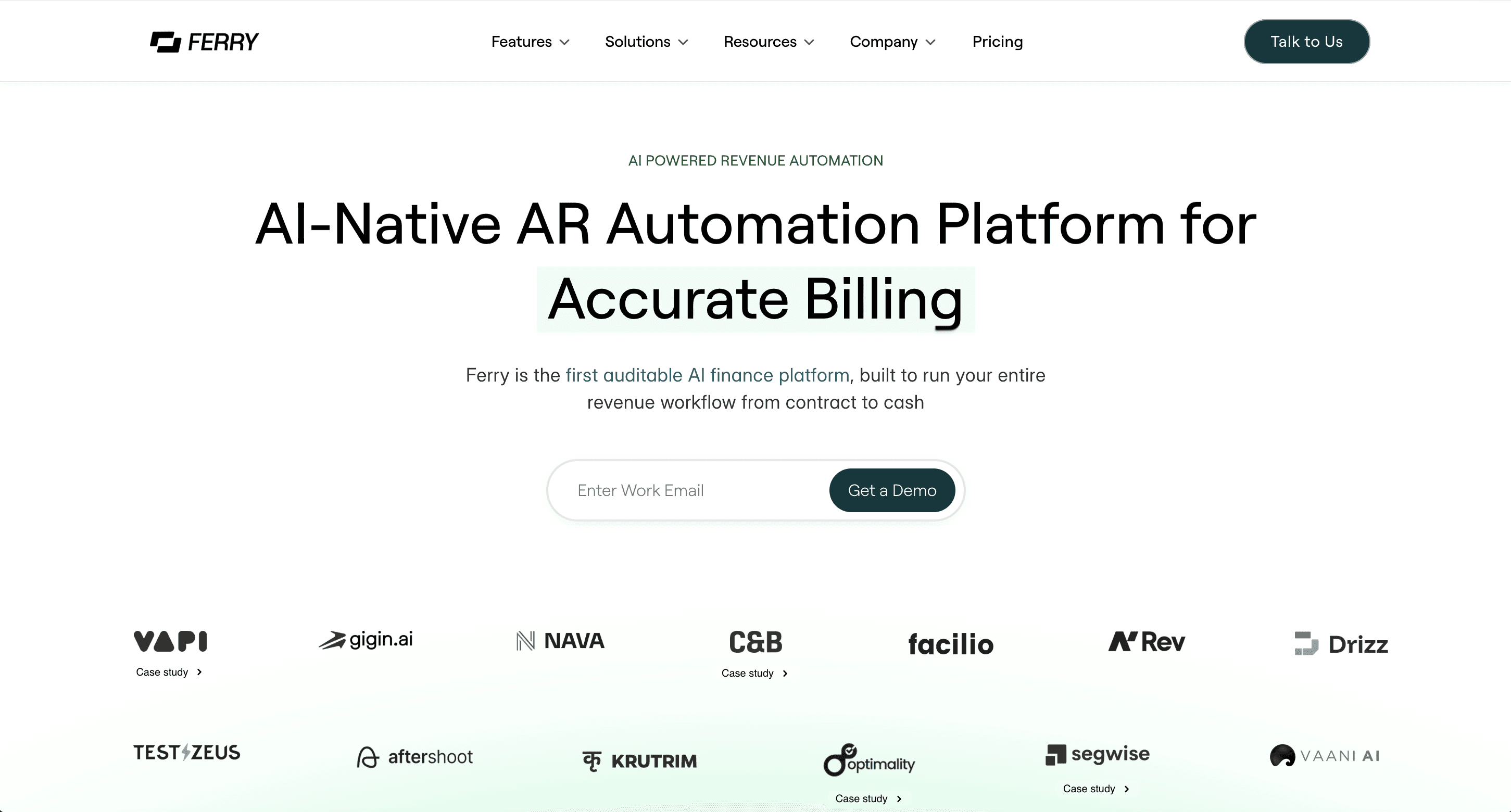
Ferry is an AI-native contract-to-cash platform running Billing, Collections, Revenue Recognition, and Reporting on one system, with DocuSign wired in on the agreement side. The distinction that matters here: most tools on this list either get the contract signed or act on a number somebody already typed in. Ferry's AI agent reads the executed contract, pulls every term out of it (price, frequency, milestones, escalators), and builds the billing schedule from those terms directly, across all ten billing models, with usage ingested in real time.
That order of operations is the whole argument, because extraction only helps if something downstream can act on it. Ferry picks up amendments automatically and recalculates the schedule when terms change, so the ramp that moved in the final redline doesn't quietly bill wrong for two quarters. Then it recognizes revenue under ASC 606, GAAP, and IFRS 15, with every figure traceable to the clause it came from, and runs dunning and cash application. Ferry's job starts at signature. It doesn't do contract generation, redlining, or approval workflow, and I'd rather say that plainly than let anyone think it replaces a CLM.
Key features
Reads executed contracts and builds billing schedules from the extracted terms
All ten billing models, including usage-based, prepaid credit, commit consumption, and hybrid
Ingests and rates usage in real time, so invoices stay right on variable amounts
Picks up amendments automatically and recalculates schedules
ASC 606, GAAP, and IFRS 15 recognition, every number traced to its source clause
Dunning and cash application against open invoices, with bi-directional ERP sync
Who it's best for
Usage-based and hybrid B2B SaaS and AI teams that need the signed contract to become a billing schedule, a correct invoice, a recognized revenue number, and collected cash on one platform.
Tabs
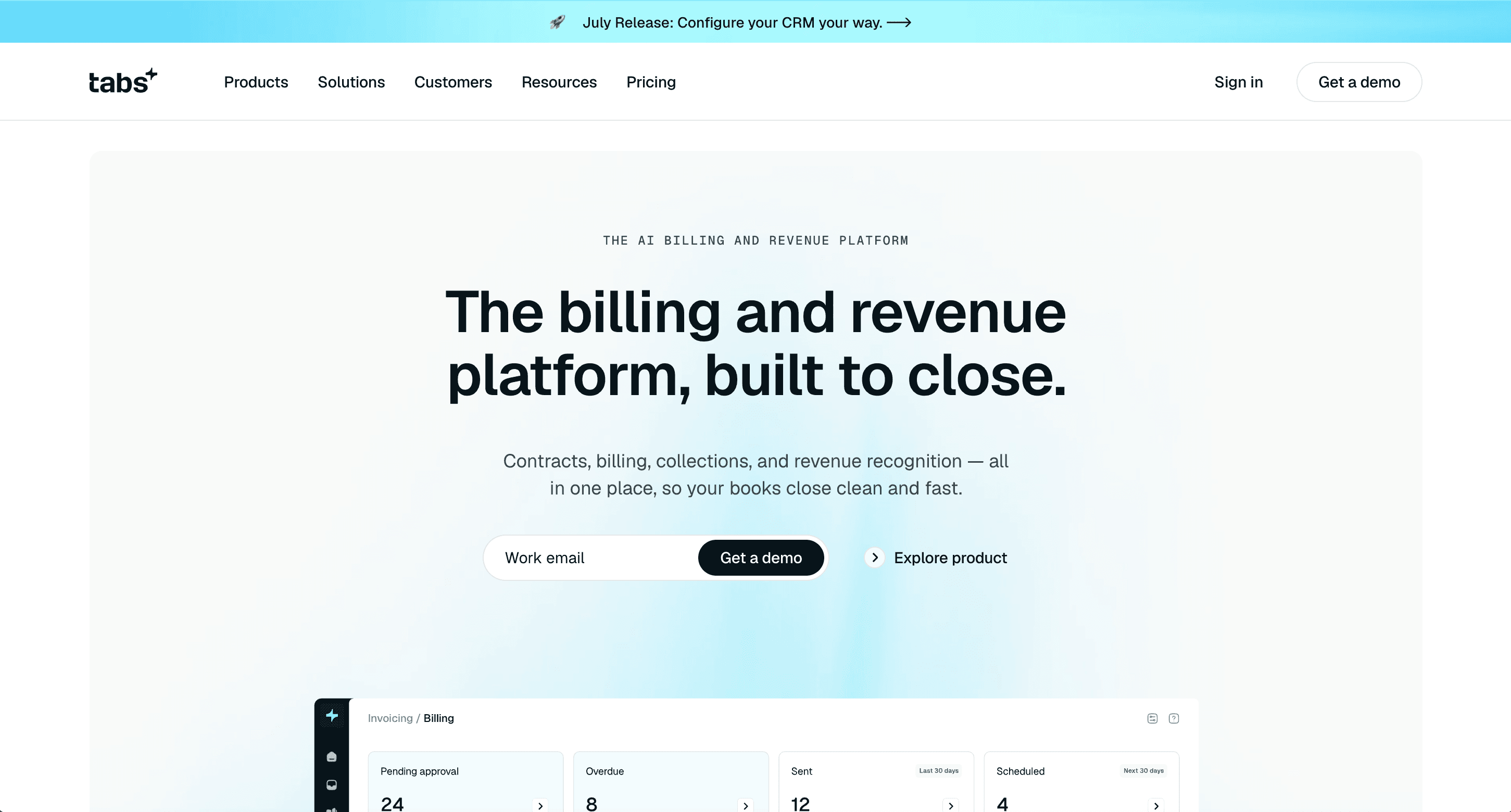
Tabs is an AI-powered revenue automation platform covering the full contract-to-cash workflow, with one of the more direct DocuSign connectors here. Signed contracts import automatically, status syncs both ways, and its AI contract ingestion pulls billing terms straight from signed order forms and generates invoices from them. Its DocuSign job is document sync plus extraction.
Key features
Automatic import of signed contracts from DocuSign, status syncing both ways
AI contract ingestion pulling billing terms from signed order forms
Invoicing, collections, revenue recognition, and reporting in one platform
Ingests amendments and recalculates schedules
Launch plan starts at $2,000/month, up to $5M annual revenue and 100 active contracts
Who it's best for
B2B SaaS finance teams wanting contract ingestion and the full revenue workflow in one platform, sizing at or below the Launch plan's contract volume.
Salesforce Agentforce Revenue Management
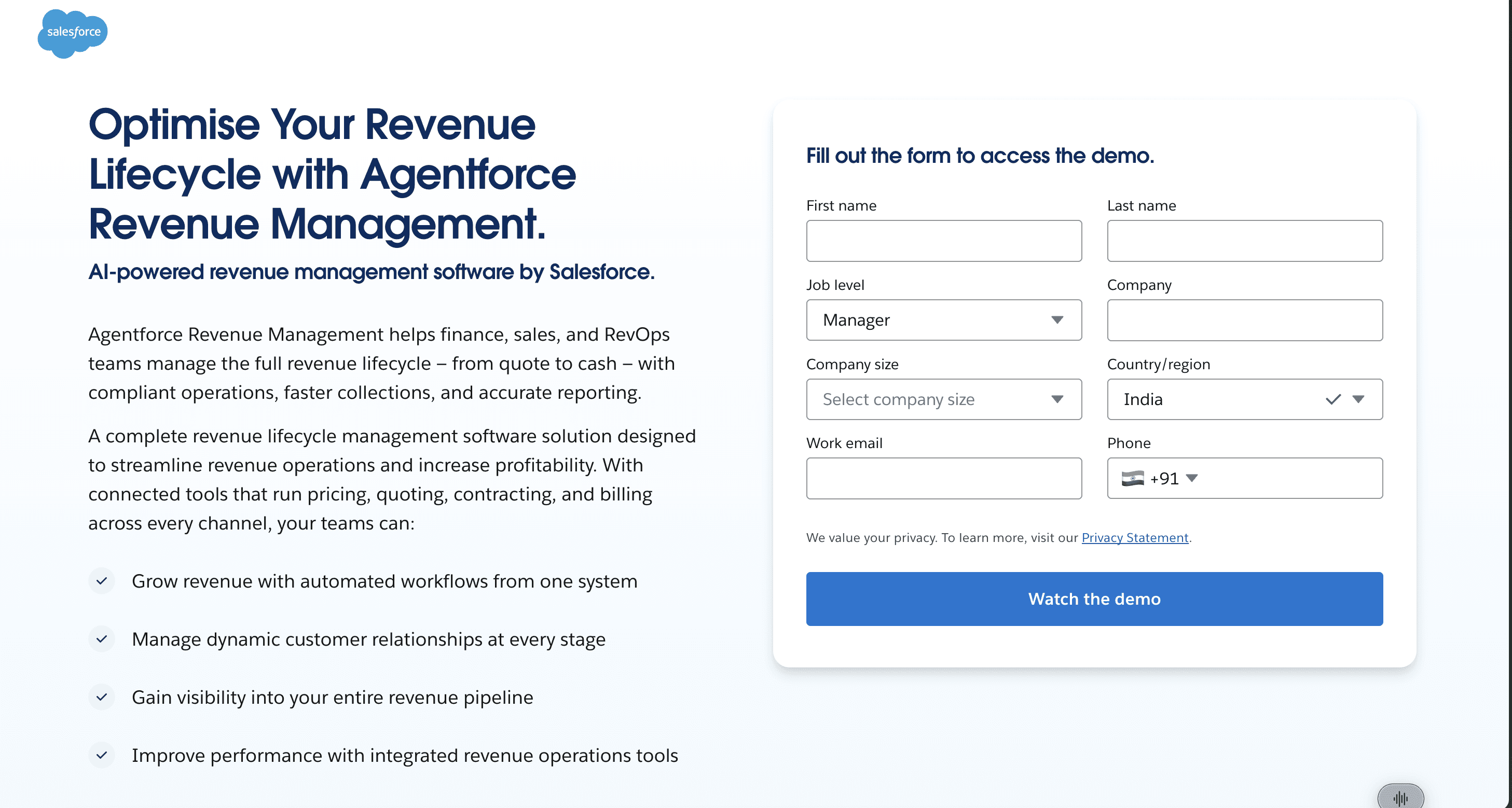
Salesforce's revenue suite, formerly Revenue Cloud, covers CPQ, contract lifecycle management, subscription management, and billing inside Salesforce. Since Salesforce has no native e-signature module, most customers add DocuSign, and DocuSign Gen for Salesforce Billing generates invoices on a batch schedule or on demand from Revenue Cloud records. Its DocuSign job is send-and-sign plus a trigger, running on the CRM.
Key features
CPQ, CLM, subscription management, and billing on one platform
Contract data flowing from quote through contracting to billing without leaving Salesforce
DocuSign agreement workflows across Sales Cloud, Service Cloud, and Revenue Cloud
Batch or on-demand invoice generation from Revenue Cloud records
Who it's best for
Companies already standardized on Salesforce that want quoting, contracting, and billing in the system their sales team already lives in.
Conga Revenue Lifecycle Management
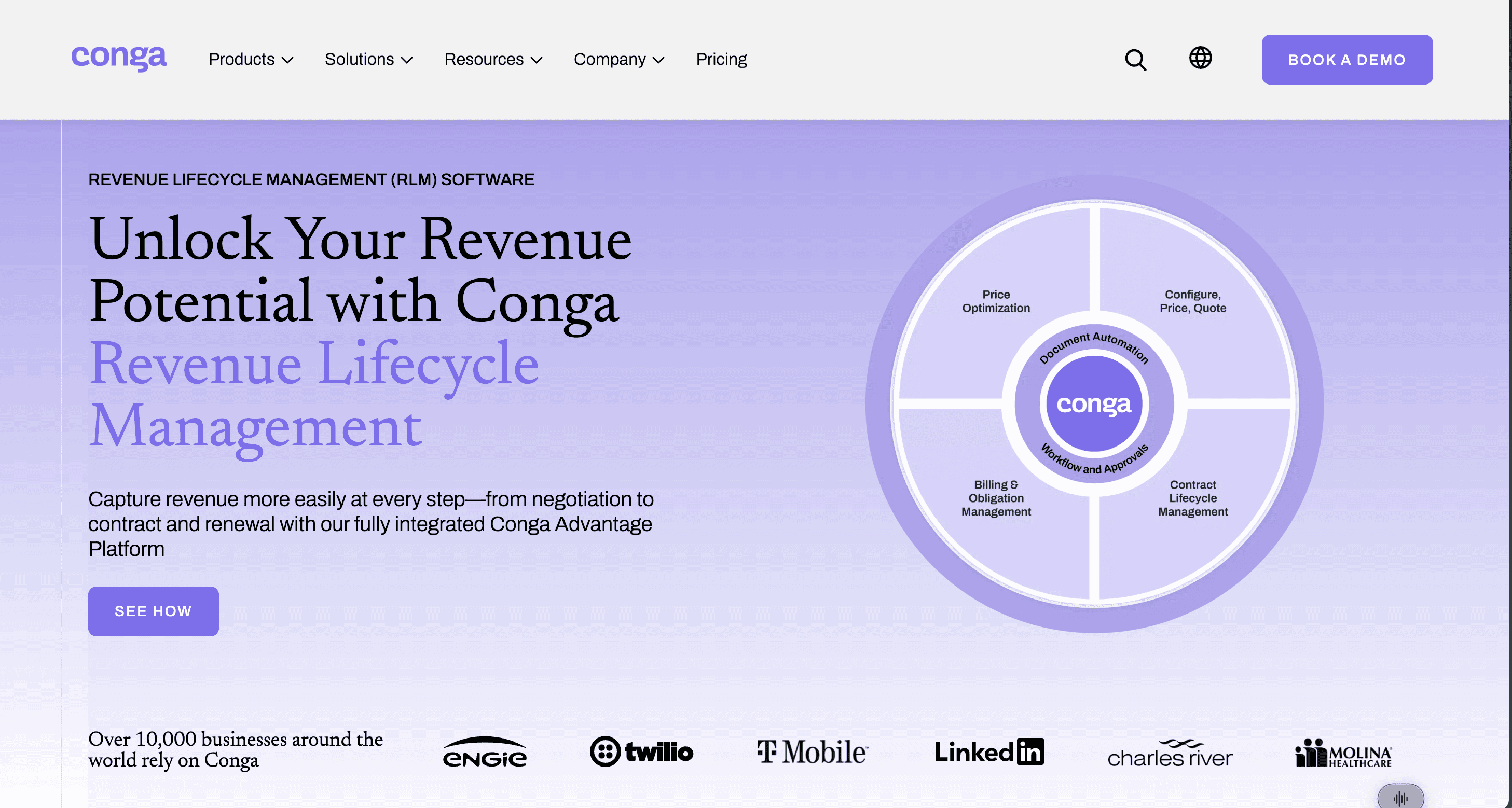
Conga unifies CPQ, contract lifecycle management, document automation, and billing on a platform built primarily for Salesforce users. Conga Composer generates documents, Conga Contracts handles clause libraries and redlining, Conga CPQ builds the priced quote. Conga sells its own e-signature product, Conga Sign, and also integrates DocuSign and Adobe for sending quote documents out. Its DocuSign job is send-and-sign, via CPQ.
Key features
CPQ, CLM, and document automation unified on one Salesforce-native platform
AI-powered clause libraries and redlining in Conga Contracts
Choice of Conga Sign or DocuSign for the signature step
Document storage integrations with Google Drive, OneDrive, and Dropbox
Who it's best for
Salesforce-centric enterprises wanting quoting and contracting in one suite, who prefer signature as a configurable component rather than a fixed one.
Zuora
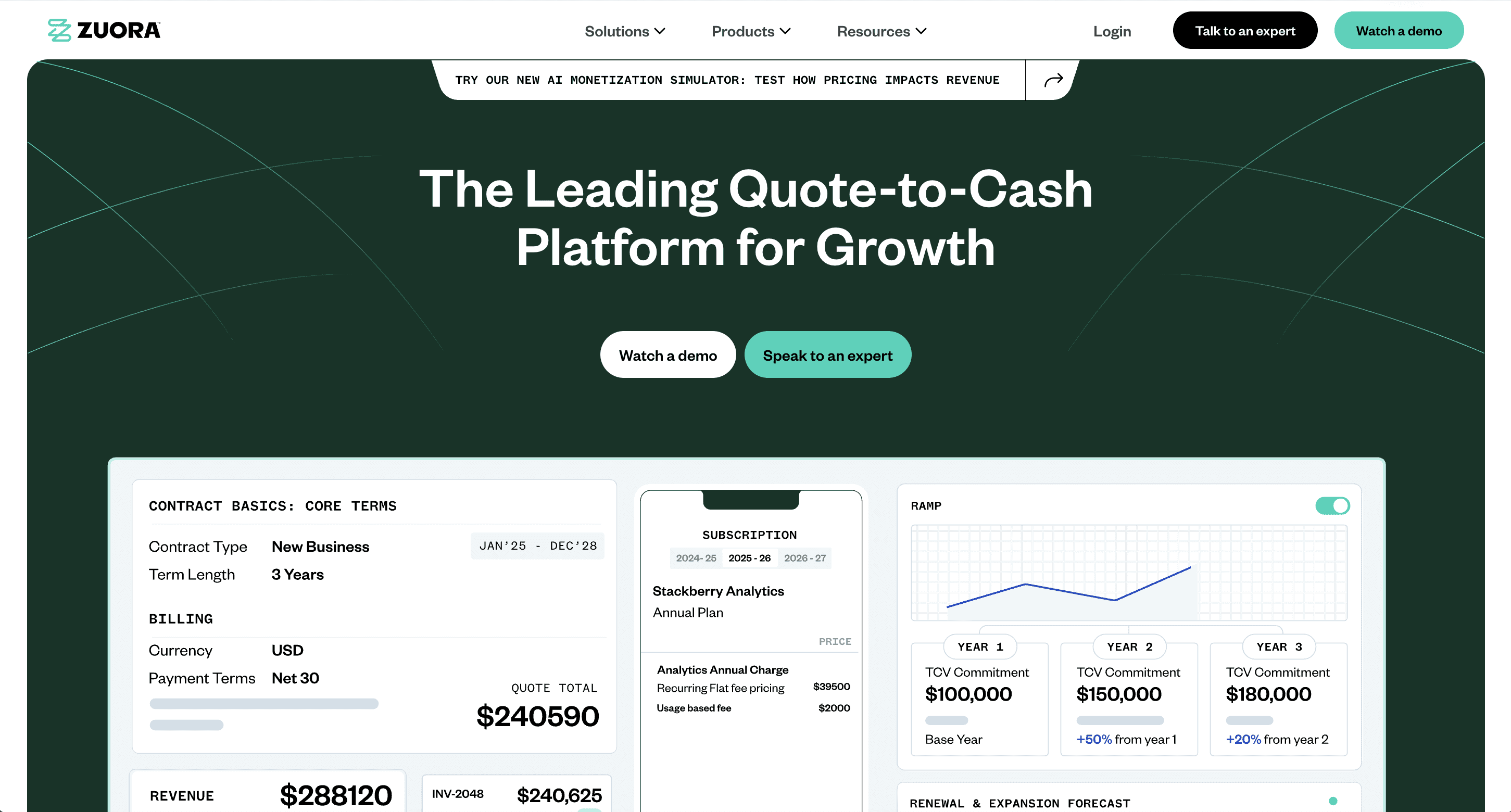
Zuora is an enterprise subscription billing and revenue platform with mature revenue recognition, and its DocuSign path runs through Zuora CPQ, configure-price-quote software that builds a priced quote before signature. In the documented flow, a Salesforce opportunity triggers a quote, Zuora CPQ applies pricing rules, the quote goes out for signature, and the approved quote flows to Zuora Billing to create the subscription and generate invoices. Zuora names Sertifi as its e-signature partner, with DocuSign supported as an option. Its DocuSign job is send-and-sign plus trigger, through the CRM.
Key features
Subscription and usage billing at high volume, with revenue recognition
Zuora CPQ applying pricing rules before signature
Signed quote flowing into subscription creation and invoice generation
Deep Salesforce integration across the quote-to-cash flow
Who it's best for
Large subscription businesses already running or planning to run Zuora, where the quote-to-cash flow lives in Salesforce.
SubscriptionFlow
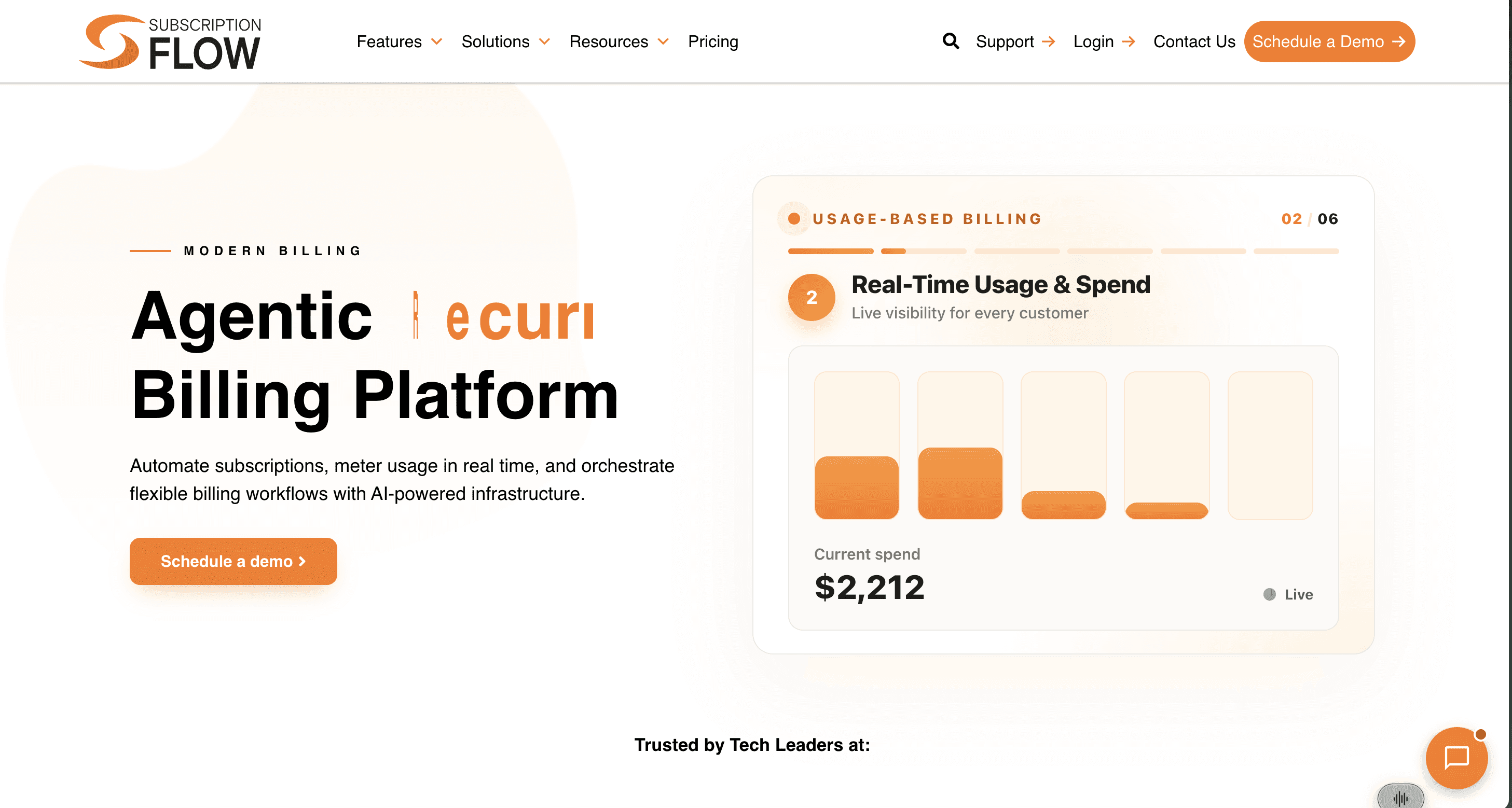
SubscriptionFlow is a subscription management and billing platform, and its DocuSign integration is the cleanest example of the trigger job I found. You send a quote from a SubscriptionFlow template out through DocuSign, and when the contract is signed and activated, a workflow creates the subscription, termed or evergreen, then bills, invoices, and collects from there. The documentation doesn't detail which contract fields flow across, so treat term-level extraction as an open demo question. Its DocuSign job is the completed-envelope trigger.
Key features
Quote templates sent for signature through DocuSign
Automatic subscription creation on signature and activation
Termed and evergreen subscription support
Automated billing, invoicing, and collection after activation
Who it's best for
Subscription businesses that want signature to start the billing clock automatically, with no manual handoff between sales and finance.
Paystand
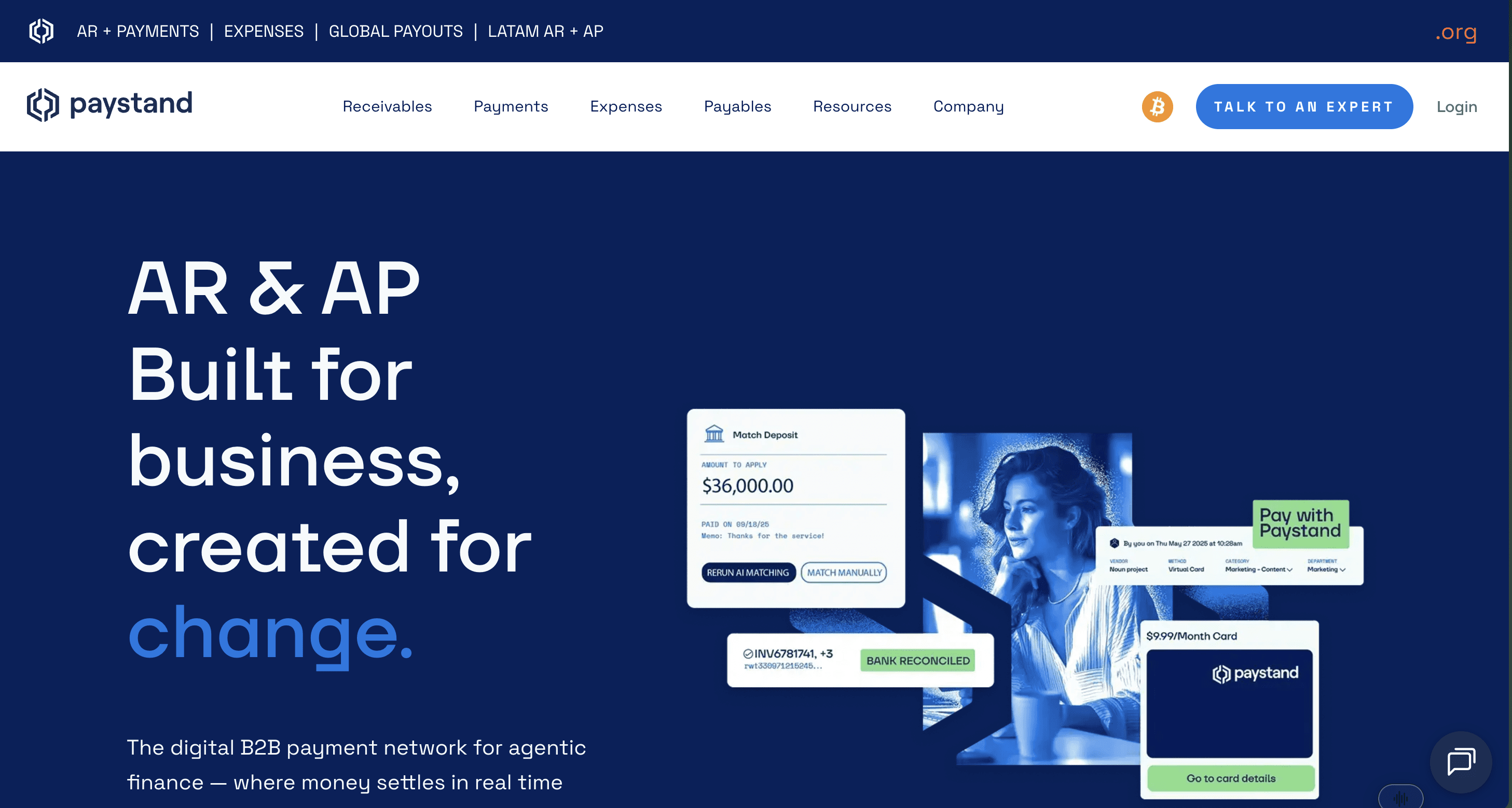
Paystand comes at this from an angle nobody else here does: it captures payment authorization inside the signing flow. A Paystand checkout link embeds into a DocuSign template, so the signer authorizes ACH or card payment while executing the agreement, and Paystand tokenizes the method. One valid payment method per envelope, and it syncs payment terms, authorized amounts, and payer details to Salesforce, NetSuite, and Sage Intacct through real-time webhooks. Its DocuSign job is a trigger, scoped tightly to payment.
Key features
Paystand checkout link embedded directly in DocuSign templates
ACH and card payment method tokenization captured at signing
Payment terms, authorized amounts, and payer details captured with the signature
Real-time sync to Salesforce, NetSuite, and Sage Intacct
Who it's best for
Teams whose real bottleneck is getting a payment method on file after the deal closes, already running one of those three ERPs.
Ironclad
Ironclad is a contract lifecycle management platform built around workflow orchestration: routing contract requests, running approvals, managing versions, moving agreements through legal review. It has no native e-signature, so signing runs through DocuSign or Adobe Sign, which does mean a second vendor relationship. A common setup routes a closed-won deal from Salesforce or HubSpot into Ironclad, through approvals, and out to DocuSign. Its DocuSign job is send-and-sign.
Key features
Workflow orchestration for contract requests, approvals, and version control
CRM-triggered contract creation from Salesforce or HubSpot
Contract repository with search across executed agreements
DocuSign or Adobe Sign handling the signature step
Who it's best for
Legal operations teams needing approval workflow and version control on high contract volume, who already have a signature vendor.
Native DocuSign connector vs. CRM passthrough integration
Before you sign anything, work out which of these you're buying. It decides where your billing data comes from.
Native DocuSign connector | CRM passthrough | |
|---|---|---|
Billing data comes from | The executed agreement | Salesforce opportunity fields |
A redline that moved the ramp | Caught, it's in the document | Caught only if someone updated the opportunity |
Where errors surface | Before the invoice goes out | At dispute time, weeks later |
Works well when | You want the signed document to govern | You run everything in Salesforce with clean CRM hygiene |
Demo question to ask | "Show me it reading the signed PDF" | "Show me what happens when the opportunity is stale" |
Passthrough isn't a defect, and I want to be clear about that. It's a design choice with real logic behind it. Salesforce has no native e-signature module, so most Salesforce customers integrate DocuSign and building on that connection makes sense. Zuora doesn't have an internal one either. If your opportunity records are disciplined and your pricing is straightforward, passthrough works fine and you get one system instead of two.
It stops working when the document and the CRM disagree. Check yours against your own finance stack integrations before you commit.
Should you extend your agreement platform or run a contract-to-cash platform?
Match the answer to your actual situation:
If legal needs generation, redlining, approvals, and renewal tracking: extend the agreement platform. DocuSign IAM or Ironclad. Navigator will tell you what's in the contract and when it renews, and for plenty of companies that genuinely closes the loop. I don't think that's a consolation prize.
If your pricing is one number per contract per year: most of this list will work. Pick on the rest of your stack rather than on the connector.
If your contract sets a rate card, tiers, a commitment, and an overage treatment: you need something that rates real usage every period. Extracting "the price" gets you nothing, because there isn't one. Ferry or Tabs. Leapfin's 2025 survey of roughly 200 finance leaders found hybrid and usage-based pricing ranks among the top drivers of new operational complexity, at 35%, which tracks with what I've seen.
If signature should create the subscription and start billing automatically: SubscriptionFlow, or Zuora if you're already there.
If everything lives in Salesforce and you want one system: Salesforce Agentforce Revenue Management or Conga.
If your bottleneck is getting a payment method on file: Paystand.
Ferry is one answer to the third one. It reads the executed contract, builds the schedule across ten billing models, rates usage in real time, then handles ASC 606 revenue recognition with every figure traceable to the clause behind it. Vapi.ai cut its time to invoice by 93% after replacing model pricing scattered across dozens of services with one centralized rate card. Simplismart runs 750 pricing dimensions and shortened its month-end close by 14 weeks. DocuSign stays the agreement layer in both cases. Different jobs.
For the broader field beyond the DocuSign filter, our AR software comparison covers tools this guide leaves out.
The bottom line on choosing contract-to-cash software that integrates with DocuSign
Name the DocuSign job you actually need before you open a single vendor page. If it's send-and-sign, almost everything qualifies. If it's document sync, most things do. If it's pulling the commercial terms out of the signed agreement and turning them into a correct invoice, the list gets short fast, and shorter again if your pricing changes month to month. Then ask every vendor to demo that specific job on one of your real contracts, not a clean sample. If the answer you need is the last one, book a demo and watch Ferry turn a signed contract into a billing schedule and a recognized revenue number on the same platform.
What does it mean for contract-to-cash software to integrate with DocuSign?
Does DocuSign do billing and revenue recognition?
What is a native DocuSign connector versus a CRM passthrough integration?
Can contract-to-cash software handle usage-based contracts signed in DocuSign?
Do I still need a CLM if my billing platform integrates with DocuSign?