Manish Choudhary
CEO & Co-founder, Ferry | Flexprice

6. Chargebee
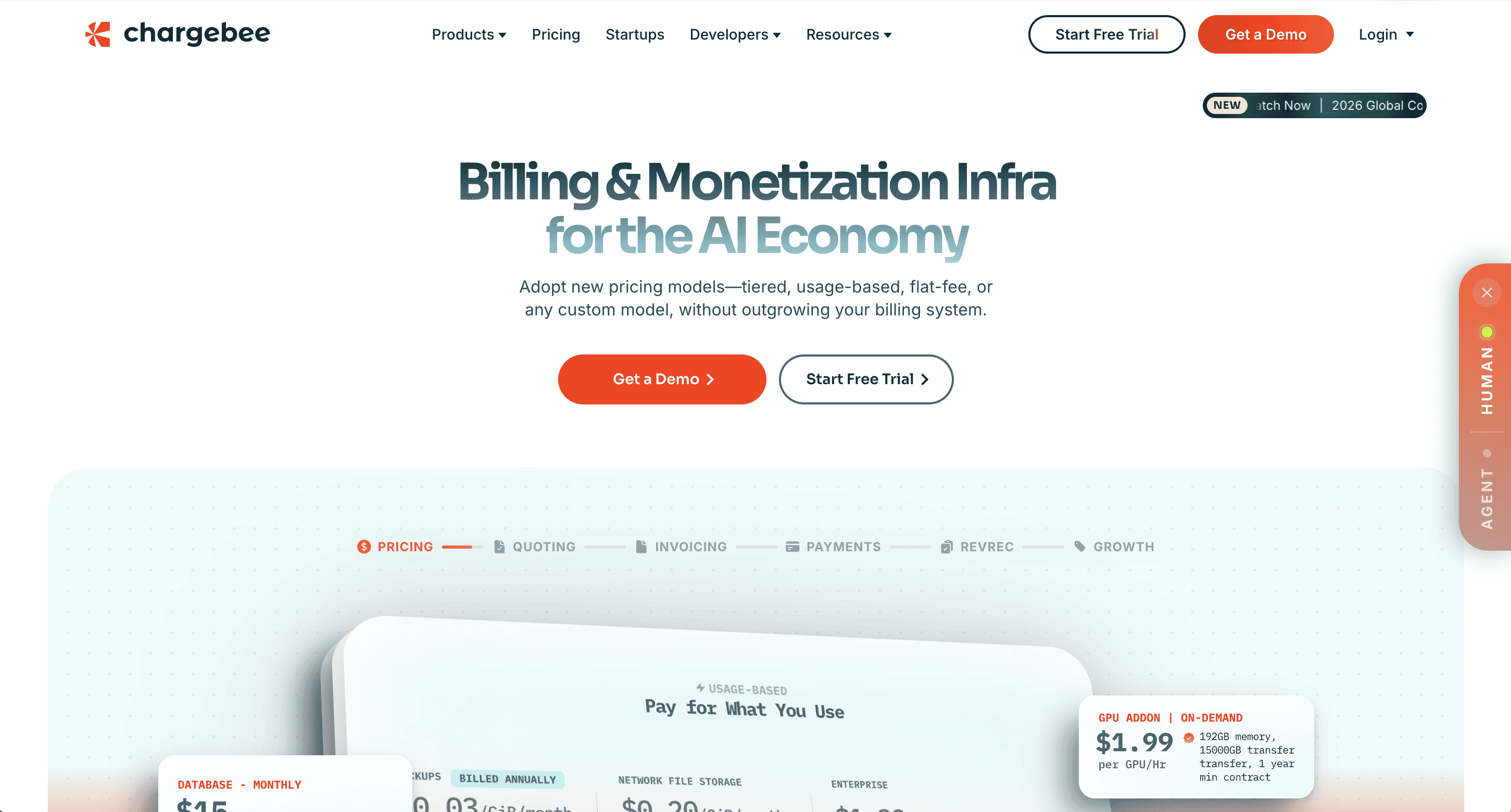
Deep recurring billing and subscription management, with a Salesforce integration that turns a won quote into a subscription and starts collection automatically. It layers onto Salesforce CPQ, or replaces it with Chargebee CPQ.
Key features
Recurring billing and subscription management with strong self-serve support
Converts won Salesforce quotes into subscriptions and begins collection automatically
Chargebee RevRec for ASC 606 and IFRS 15, sold as a separate add-on module
Who it's best for: Companies with self-serve or PLG motions alongside sales-led deals, where billing volume and payment recovery matter as much as contract complexity. Budget for RevRec separately.
7. Nue.io
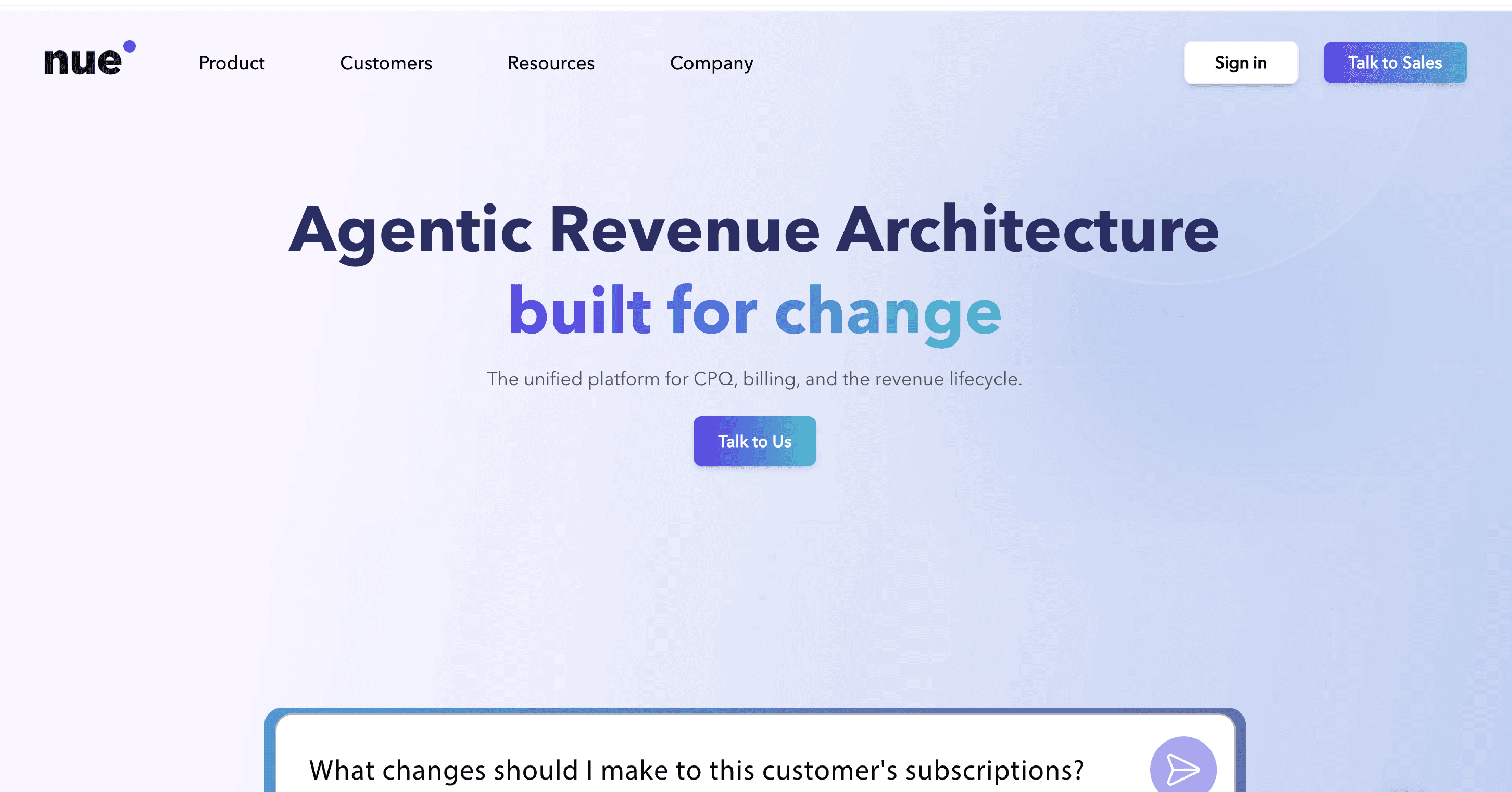
A Salesforce-native quote-to-revenue platform spanning CPQ through billing, usage, credits and collections. It aims at teams deciding what to do after Salesforce CPQ, and it's one of the few native options treating usage-based components as first-class in the quote.
Key features
Native Salesforce CPQ with guided selling, validation and business-rule enforcement
Tiered pricing, discounts, multi-variable pricing and usage-based components
Subscription lifecycle management including upgrades, downgrades and add-ons
Who it's best for: SaaS revenue teams who want the full quote-to-revenue motion inside Salesforce, particularly those replacing Salesforce CPQ. Pricing isn't published.
8. Certinia
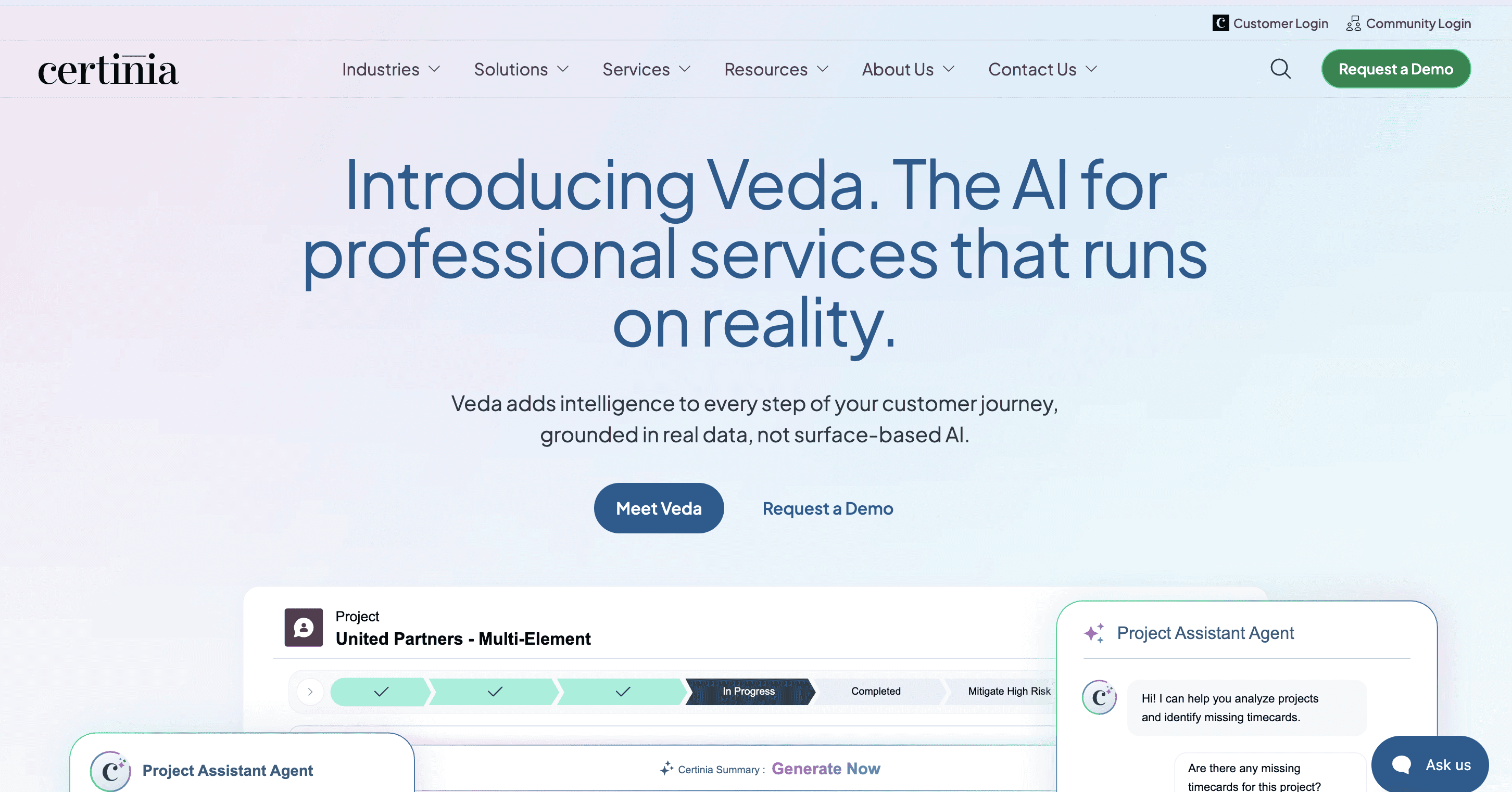
A Salesforce-native ERP suite, so billing and revenue recognition sit alongside general ledger, AP and AR in the same org. Its roots are in professional services, and the project accounting depth shows.
Key features
Built natively on the Salesforce Platform, connecting directly to Salesforce CRM
Subscription and usage-based billing with central pricing and contract-term configuration
ASC 606 and IFRS 15 revenue recognition schedules native to the platform
Who it's best for: Services and hybrid software-plus-services companies standardized on Salesforce that want financials in the same system. Vendr's data puts mid-market ERP licenses around $150 to $250 per user per month, a third-party figure rather than a published price.
9. RightRev

RightRev does revenue recognition and nothing else, as a Salesforce-native, no-code sub-ledger embedded in the platform. Its dedicated Revenue Cloud Advanced build makes it a common pairing for teams who like Salesforce's upstream but want a purpose-built engine underneath.
Key features
Salesforce-native revenue sub-ledger with no-code configuration
ASC 606 and IFRS 15 revenue recognition for complex contract structures
Dedicated integration built for Salesforce Revenue Cloud Advanced
Who it's best for: Companies that already have billing solved and need revenue recognition that holds up under audit. If you need billing too, you're buying two products. Pricing isn't published.
10. HighRadius

An enterprise autonomous finance suite covering order-to-cash, record-to-report, AP and treasury, with a revenue recognition module and a mature agentic AI layer in collections. The most operationally deep platform here.
Key features
15 collections agents (9 fully automated, 6 assisted), with automated logins to 600+ AP customer portals
ASC 606 and IFRS 15 revenue recognition module with audit-ready logs and exception handling
Pre-built ERP integrations for SAP, Oracle and Microsoft Dynamics 365
Who it's best for: Large enterprises, typically $1B+ revenue, running an ERP as the system of record with a team available for a 3 to 6 month implementation. Pricing isn't public.
What does "integrates with Salesforce" actually mean?
One of four jobs, and knowing which one you're getting changes what work the integration actually takes off your team. That integration pattern column in the table above is doing a lot of work, so here's what each one means, with the vendor documentation behind it.
Pattern 1: native Salesforce apps. The software runs on the Salesforce Platform, so data lives in Salesforce objects and reports are Salesforce reports. Certinia, RightRev and Nue.io work this way; Revenue Cloud is the first-party version. You get one system, one skill set, and no sync to debug at 11pm before close.
Pattern 2: closed-won triggers and one-way sync. An opportunity flips to Closed Won and a subscription or invoice gets created downstream. Zuora documents its Billing Connector for Salesforce CPQ as a single directional sync into Zuora, with CPQ X sold separately for bi-directional quoting. You get predictability, and simple integrations break less often.
Pattern 3: two-way record sync. Accounts, contacts and products flow in; subscriptions, invoices and payments flow back. Maxio documents this down to products managed through Salesforce Price Books. You get reps and CS seeing billing state without leaving the CRM, which kills a lot of Slack traffic.
Pattern 4: contract-document ingestion. Billing terms come from the signed agreement, and Salesforce supplies account and deal linkage rather than pricing. Tabs imports closed-won opportunities' contracts, and Ferry works the same way. You get an invoice matching the contract rather than whatever got typed into a field three weeks ago.
Which pattern do you need? Start with where your billing terms live
The four differ on one variable: whether your billing terms originate in the opportunity record or in the signed contract.
Sell flat subscriptions or per-seat licenses and the opportunity line item describes the deal completely. Quantity, price, term, done. Patterns 1 through 3 all work, and CRM-as-origin is honestly the simpler architecture. I'd take it.
Sell a rate card with tiers, a commitment, an overage rate and a drawdown credit balance, and the opportunity holds a summary while the contract holds the terms. Simplismart ran 750 pricing dimensions, each with different rates per customer. No opportunity record holds that. Once you're selling hybrid contract billing, the question stops being preference and starts being whether the invoice can be right at all.
This is a fit question, not a quality ranking. A tool that sources billing from the CRM isn't worse than one that reads contracts, it's built for a different deal shape. The failure mode I keep seeing is a company buying for the deal shape it had two years ago, which is a version of Ferry's point about order to cash automation: automating a step isn't the same as automating the process.
How to choose revenue automation software for your Salesforce stack
Answer four questions in order and your shortlist mostly writes itself.
Where do your billing terms live? If the opportunity holds every term you'd need to build the invoice, patterns 1 through 3 are open. If not, you want contract ingestion.
How complex is your pricing? Flat and tiered subscriptions are well served by almost everything here. Usage, commitments, drawdown credits and hybrid structures narrow the field fast.
What shape does revenue recognition need? Included, a paid add-on, or a separate sub-ledger. Each carries a different total cost.
What's your Salesforce admin capacity? Native apps assume you can staff Salesforce work, and that assumption is where a lot of these projects quietly fail.
Should you keep revenue on the Salesforce platform or run it alongside?
Both are defensible, and the native path is more appealing than people selling standalone tools usually let on. Stay on the platform when your pricing is flat, per-seat or lightly tiered, you have genuine Salesforce admin capacity, and sales, CS and finance all work inside Salesforce every day. Run revenue automation alongside it when your contracts set rate cards, commitments or milestone schedules, your usage volume needs a system built to meter it, or you want revenue recognition included rather than assembled from a sub-ledger.
Partners who run Salesforce CPQ to Revenue Cloud Advanced migrations describe them as reimplementations, with Apex, quote calculator plugins and price rules needing rebuild. Those are partner-reported observations, not Salesforce-published ones. If you're staffing a project that size, that's the moment to ask whether the destination is still right.
Then check where journal entries post and how they reconcile against your general ledger. For the view beyond the Salesforce filter, the best accounts receivable software roundup drops the integration constraint.
Getting your Salesforce data to match your invoices
Every platform here integrates with Salesforce. That was never the useful question. The useful question is whether your billing terms start life in an opportunity record or a signed contract, and once you answer it honestly, most of the shortlist eliminates itself.
Here's the test I'd run this week. Pull your most complicated signed contract and open the matching opportunity record next to it. Go term by term. Does the opportunity hold the tier boundaries, the commitment, the overage rate, the credit balance, the escalator? If it does, buy the simpler architecture and don't overthink it. If it doesn't, you've found the gap someone on your team closes manually every month. That gap is what platforms like Ferry exist to close, so book a demo and bring the contract with you.
Does Salesforce have built-in billing and revenue automation?
What happened to Salesforce CPQ and Salesforce Billing?
Can revenue automation software handle usage-based pricing from Salesforce?
How much does revenue automation software that integrates with Salesforce cost?