Table of Content

Table of Content

Top Accounts Receivable Automation Software That Integrates With Plaid

Top Accounts Receivable Automation Software That Integrates With Plaid

Top Accounts Receivable Automation Software That Integrates With Plaid

Top Accounts Receivable Automation Software That Integrates With Plaid

Top Accounts Receivable Automation Software That Integrates With Plaid

• 9 min read

• 9 min read

Manish Choudhary

CEO & Co-founder, Ferry | Flexprice
Here's a mistake I've watched sharp finance teams make more than once. They shortlist accounts receivable automation software by filtering for "integrates with Plaid," sign the contract, and only later find out the tool confirms a bank account exists but never applies a cent of cash to an open invoice. 

That's a maddening way to lose a quarter. "Integrates with Plaid" hides three completely different capabilities, and buy the wrong one and you've automated nothing. So let me break down what the integration actually does, how I evaluated these tools, and which one fits the job you're trying to solve.

Even though this guide lives on getferry.ai and Ferry is an accounts receivable and revenue automation platform, it isn't a biased one. I built it from conversations with customers and peers who moved to Ferry from these tools, and from my own experience running finance-adjacent work at Aftershoot and consulting thousands of B2B and SaaS companies. The bank-feed-versus-cash-application distinction is the thing I've watched trip up the most buyers, so that's the thing I led with.

Key Takeaways

  • "Integrates with Plaid" means one of three different jobs: verifying a bank account for ACH, feeding in bank transactions for cash application, or pulling bank data for credit checks. They aren't interchangeable.

  • If you want cash applied to open invoices automatically, you need the transaction-feed job. Account verification alone won't do it.

  • Ferry, Tabs, Tesorio, and Invoiced use Plaid for genuine cash application. Rillet and Fulfil use it for general-ledger reconciliation. BILL uses it for bank linking, and Bectran uses it for credit checks.

  • I scored every tool on the Plaid job it serves, native cash application, billing-system ingestion, ERP sync, dunning, usage-based invoice handling, and audit trail.

  • Usage-based and hybrid billers get burned the most, because many AR tools assume flat recurring amounts. Test your messiest invoice before you buy.

What does "integrates with Plaid" actually mean for AR automation?

It means the tool connects to your bank through Plaid so bank data flows in without anyone downloading a CSV, but what it does with that connection is the part that varies. 

Plaid is a service that links bank accounts to software, so account details and transactions move automatically instead of by manual upload. The AR tool supplies the logic; Plaid supplies the pipe to the bank underneath it.

Accounts receivable automation software, once the bank is connected, usually covers some mix of these jobs:

  • Turns signed contracts or orders into invoices and sends them

  • Runs dunning, the sequence of reminders you send to collect an overdue invoice

  • Applies incoming cash to the matching open invoice, which is called cash application (more on this in a second)

  • Reconciles bank transactions against your ledger

  • Tracks AR aging and DSO, days sales outstanding, which measures how long it takes to collect cash after you've invoiced

  • Sets up ACH payments, the US bank-to-bank electronic payment rail, and sometimes runs credit checks

The catch is that "integrates with Plaid" gets slapped on a feature list as a single checkbox, when two tools wearing that badge can do wildly different things with it. Buy without knowing which, and you can walk away with a bank-verification feature when what you needed was automatic cash application. 

For a full primer on what AR automation covers end to end, our AR automation guide walks through the whole function. This guide stays narrow, on the Plaid question.

The three jobs a Plaid integration can do

Plaid isn't one capability, it's a set of products that do different jobs, and AR tools plug into different ones. Once you see the split, the whole category gets easier to shop.

  1. Verification is the first job

Plaid's Auth product confirms a bank account and routing number so you can set up ACH collection from a customer. Worth knowing: Auth verifies the account, it doesn't move money. Moving money is a separate Plaid product called Transfer. So a tool that "integrates with Plaid" purely for verification hasn't automated a single payment yet.

  1. The transaction feed is the second job

It’s the one that matters most for AR. Plaid's Transactions product pulls up to 24 months of categorized bank data, which is the raw material for both reconciliation and cash application. If a deposit lands in your account, this is what tells your software about it.

  1. Credit is the third job

Plaid's Income, Underwriting, and Liabilities products supply bank data for credit decisions, checking whether a customer can actually pay before you extend terms. Useful, but a completely different moment in the cycle from applying cash after the money arrives.

Quick version if you remember nothing else: Auth verifies, Transactions applies cash, Income and Underwriting decide credit. The transaction feed is the one that gets money onto invoices.

Why the Plaid integration matters for getting paid

You want it so cash lands on the right invoice without a person keying it in off a bank statement. That's the whole point, and it's where the transaction-feed job earns its keep.

A raw bank feed isn't a cash application by itself, and this is the trap. Plaid can hand your tool a list of deposits, but a deposit on its own doesn't say which invoice it pays. Finance teams hit this constantly. 

As one practitioner put it in an r/Dynamics365 thread on cash application, bank statements alone don't carry enough detail to know which customer or invoice a payment belongs to. Someone still has to match the money to the open invoice using the customer and remittance detail, the reference that tells you which invoice a payment covers.

A genuine cash application does that matching for you. One example of the transaction-feed job done fully is Ferry's AR collections automation: its AI Collections Agent reads bank data through Plaid and applies each payment to the matching open invoice on its own, handling duplicates, partial payments, and missing remittance references. 

That's the line between a bank feed and cash application. A feed shows you money moved. Cash application closes the loop.

How I evaluated these accounts receivable automation tools that integrates with Plaid

I scored every tool on what a finance team actually feels ninety days after go-live, not on what the sales deck promises. Most teams buy the wrong AR software because the evaluation starts at the feature list instead of the job to be done, and I wanted this comparison to start from the job.

Here are the seven criteria I used, then the table:

  • Plaid job served: verification, cash application, or credit

  • Native cash application: does it match payments to open invoices, or just show you the feed

  • Billing-system ingestion: can it pull invoices from your billing stack cleanly

  • ERP sync: NetSuite, QuickBooks, Sage Intacct, Xero, and how deep the sync goes

  • Dunning tied to customer type or subscription cycle

  • Usage-based or variable invoice handling

  • Audit trail: can you trace an applied payment back to the invoice and the contract

Tool

Plaid job

Native cash application

ERP sync

Usage-based billing

Audit trail

Ferry

Cash application

Yes

NetSuite, QuickBooks, Sage Intacct

Yes

Yes, to the contract clause

Tabs

Cash application

Yes

NetSuite, QuickBooks, Rillet, Salesforce

Yes

Not confirmed

Tesorio

Cash application

Yes

NetSuite, Sage Intacct, Oracle, Workday

Limited

Partial

Invoiced

Cash application

Yes, with approval

NetSuite, Sage Intacct, QuickBooks, Xero

Limited

Partial

Rillet

GL reconciliation

Via the ledger

It's the ERP/GL

Limited

Yes, in the GL

BILL

Bank linking

Basic

QuickBooks, Xero, NetSuite, Sage Intacct

No

No

Bectran

Credit underwriting

No

Credit and ERP systems

No

Not applicable

A note on the table: the Plaid job for each tool comes from the vendor's own documentation, which I confirmed directly, but the other columns move fast, so check the current status on the vendor's page before you sign.

Here's a mistake I've watched sharp finance teams make more than once. They shortlist accounts receivable automation software by filtering for "integrates with Plaid," sign the contract, and only later find out the tool confirms a bank account exists but never applies a cent of cash to an open invoice. 

That's a maddening way to lose a quarter. "Integrates with Plaid" hides three completely different capabilities, and buy the wrong one and you've automated nothing. So let me break down what the integration actually does, how I evaluated these tools, and which one fits the job you're trying to solve.

Even though this guide lives on getferry.ai and Ferry is an accounts receivable and revenue automation platform, it isn't a biased one. I built it from conversations with customers and peers who moved to Ferry from these tools, and from my own experience running finance-adjacent work at Aftershoot and consulting thousands of B2B and SaaS companies. The bank-feed-versus-cash-application distinction is the thing I've watched trip up the most buyers, so that's the thing I led with.

Key Takeaways

  • "Integrates with Plaid" means one of three different jobs: verifying a bank account for ACH, feeding in bank transactions for cash application, or pulling bank data for credit checks. They aren't interchangeable.

  • If you want cash applied to open invoices automatically, you need the transaction-feed job. Account verification alone won't do it.

  • Ferry, Tabs, Tesorio, and Invoiced use Plaid for genuine cash application. Rillet and Fulfil use it for general-ledger reconciliation. BILL uses it for bank linking, and Bectran uses it for credit checks.

  • I scored every tool on the Plaid job it serves, native cash application, billing-system ingestion, ERP sync, dunning, usage-based invoice handling, and audit trail.

  • Usage-based and hybrid billers get burned the most, because many AR tools assume flat recurring amounts. Test your messiest invoice before you buy.

What does "integrates with Plaid" actually mean for AR automation?

It means the tool connects to your bank through Plaid so bank data flows in without anyone downloading a CSV, but what it does with that connection is the part that varies. 

Plaid is a service that links bank accounts to software, so account details and transactions move automatically instead of by manual upload. The AR tool supplies the logic; Plaid supplies the pipe to the bank underneath it.

Accounts receivable automation software, once the bank is connected, usually covers some mix of these jobs:

  • Turns signed contracts or orders into invoices and sends them

  • Runs dunning, the sequence of reminders you send to collect an overdue invoice

  • Applies incoming cash to the matching open invoice, which is called cash application (more on this in a second)

  • Reconciles bank transactions against your ledger

  • Tracks AR aging and DSO, days sales outstanding, which measures how long it takes to collect cash after you've invoiced

  • Sets up ACH payments, the US bank-to-bank electronic payment rail, and sometimes runs credit checks

The catch is that "integrates with Plaid" gets slapped on a feature list as a single checkbox, when two tools wearing that badge can do wildly different things with it. Buy without knowing which, and you can walk away with a bank-verification feature when what you needed was automatic cash application. 

For a full primer on what AR automation covers end to end, our AR automation guide walks through the whole function. This guide stays narrow, on the Plaid question.

The three jobs a Plaid integration can do

Plaid isn't one capability, it's a set of products that do different jobs, and AR tools plug into different ones. Once you see the split, the whole category gets easier to shop.

  1. Verification is the first job

Plaid's Auth product confirms a bank account and routing number so you can set up ACH collection from a customer. Worth knowing: Auth verifies the account, it doesn't move money. Moving money is a separate Plaid product called Transfer. So a tool that "integrates with Plaid" purely for verification hasn't automated a single payment yet.

  1. The transaction feed is the second job

It’s the one that matters most for AR. Plaid's Transactions product pulls up to 24 months of categorized bank data, which is the raw material for both reconciliation and cash application. If a deposit lands in your account, this is what tells your software about it.

  1. Credit is the third job

Plaid's Income, Underwriting, and Liabilities products supply bank data for credit decisions, checking whether a customer can actually pay before you extend terms. Useful, but a completely different moment in the cycle from applying cash after the money arrives.

Quick version if you remember nothing else: Auth verifies, Transactions applies cash, Income and Underwriting decide credit. The transaction feed is the one that gets money onto invoices.

Why the Plaid integration matters for getting paid

You want it so cash lands on the right invoice without a person keying it in off a bank statement. That's the whole point, and it's where the transaction-feed job earns its keep.

A raw bank feed isn't a cash application by itself, and this is the trap. Plaid can hand your tool a list of deposits, but a deposit on its own doesn't say which invoice it pays. Finance teams hit this constantly. 

As one practitioner put it in an r/Dynamics365 thread on cash application, bank statements alone don't carry enough detail to know which customer or invoice a payment belongs to. Someone still has to match the money to the open invoice using the customer and remittance detail, the reference that tells you which invoice a payment covers.

A genuine cash application does that matching for you. One example of the transaction-feed job done fully is Ferry's AR collections automation: its AI Collections Agent reads bank data through Plaid and applies each payment to the matching open invoice on its own, handling duplicates, partial payments, and missing remittance references. 

That's the line between a bank feed and cash application. A feed shows you money moved. Cash application closes the loop.

How I evaluated these accounts receivable automation tools that integrates with Plaid

I scored every tool on what a finance team actually feels ninety days after go-live, not on what the sales deck promises. Most teams buy the wrong AR software because the evaluation starts at the feature list instead of the job to be done, and I wanted this comparison to start from the job.

Here are the seven criteria I used, then the table:

  • Plaid job served: verification, cash application, or credit

  • Native cash application: does it match payments to open invoices, or just show you the feed

  • Billing-system ingestion: can it pull invoices from your billing stack cleanly

  • ERP sync: NetSuite, QuickBooks, Sage Intacct, Xero, and how deep the sync goes

  • Dunning tied to customer type or subscription cycle

  • Usage-based or variable invoice handling

  • Audit trail: can you trace an applied payment back to the invoice and the contract

Tool

Plaid job

Native cash application

ERP sync

Usage-based billing

Audit trail

Ferry

Cash application

Yes

NetSuite, QuickBooks, Sage Intacct

Yes

Yes, to the contract clause

Tabs

Cash application

Yes

NetSuite, QuickBooks, Rillet, Salesforce

Yes

Not confirmed

Tesorio

Cash application

Yes

NetSuite, Sage Intacct, Oracle, Workday

Limited

Partial

Invoiced

Cash application

Yes, with approval

NetSuite, Sage Intacct, QuickBooks, Xero

Limited

Partial

Rillet

GL reconciliation

Via the ledger

It's the ERP/GL

Limited

Yes, in the GL

BILL

Bank linking

Basic

QuickBooks, Xero, NetSuite, Sage Intacct

No

No

Bectran

Credit underwriting

No

Credit and ERP systems

No

Not applicable

A note on the table: the Plaid job for each tool comes from the vendor's own documentation, which I confirmed directly, but the other columns move fast, so check the current status on the vendor's page before you sign.

Get Paid, Much Faster with Ferry AI

Get Paid, Much Faster with Ferry AI

The best accounts receivable automation tools that integrate with Plaid

I've grouped these by the Plaid job they do, because that's the decision that actually matters. Every tool gets the same treatment: what it is, how it uses Plaid, its key features, and who it's best for. Ferry goes first because it's the one I know most deeply, but it gets held to the same standard as the rest.

Cash application: tools that apply money to your invoices

These four pull Plaid's transaction feed and actually match deposits to open invoices. If your pain is unapplied cash, a climbing DSO, and a person reconciling a bank statement line by line, this is the group that fixes it.

1. Ferry
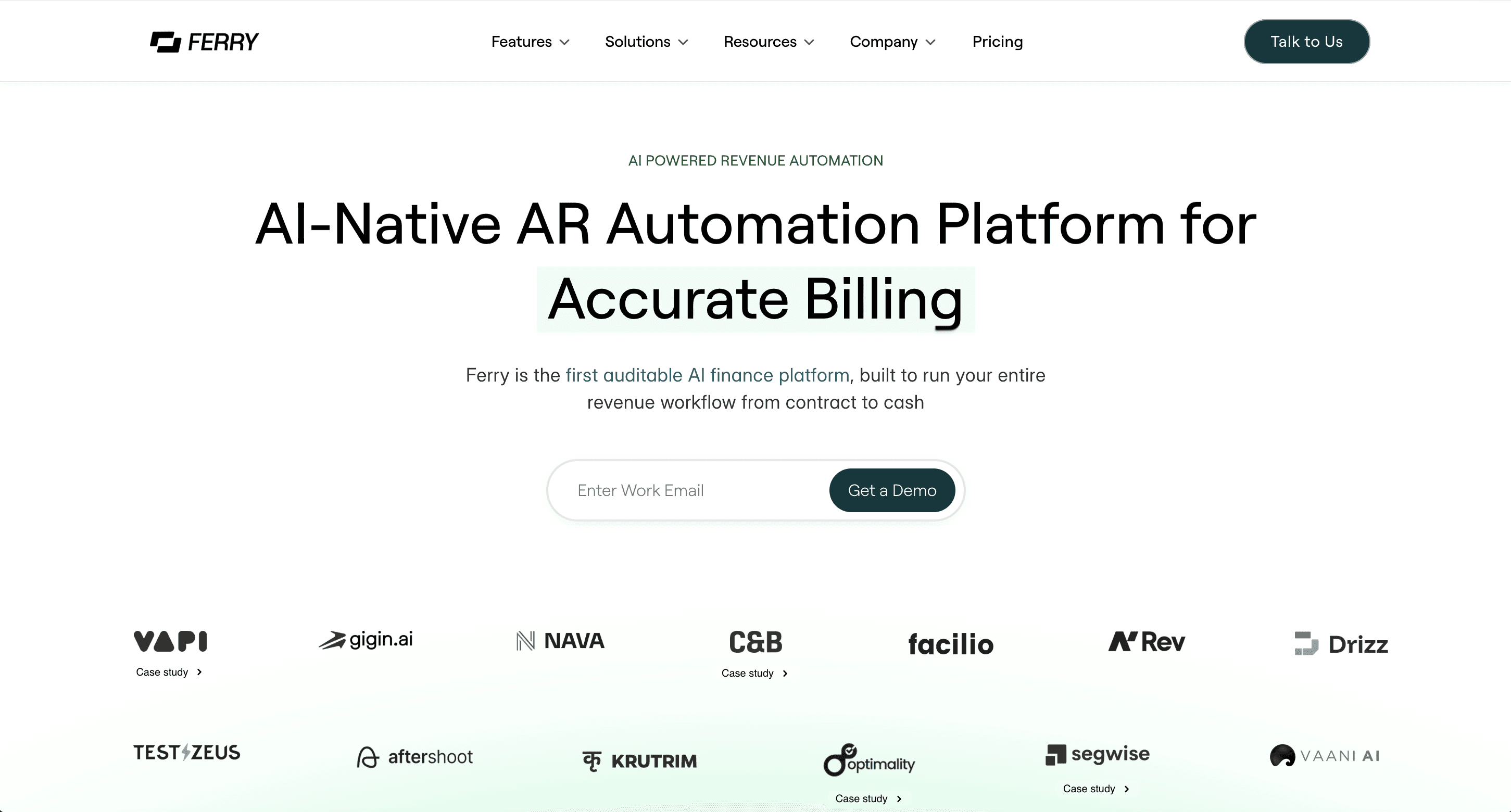
Ferry is the one tool here that starts before the invoice even exists. It's an AI-native, auditable platform for the full contract-to-cash workflow, so instead of waiting for someone to key an invoice in. 

Its AI agent reads the signed contract, pulls the price, billing frequency, milestones, and escalation clauses, and builds the schedule itself. Collections, revenue recognition, and reporting all run off that same contract layer, which is why every number stays traceable back to the clause it came from.

How it uses Plaid: 

Ferry connects your bank through Plaid, and its AI Collections Agent reads the incoming transaction feed and applies each payment to the matching open invoice on its own. It handles the parts that break most tools, duplicate payments, partial payments, and money that shows up with no remittance reference, so cash gets applied without anyone matching line items against a bank statement.

Key features:

  • Cash application that matches Plaid bank transactions to open invoices, including duplicates, partials, and missing references

  • Dunning that runs a different sequence per customer type, enterprise, self-serve, or late payer, over email, Slack, or WhatsApp

  • Contract-to-invoice billing across all ten billing models, including usage-based and hybrid contracts

  • ASC 606 revenue recognition, the US standard governing when revenue counts as earned, with journal entries posted to NetSuite, QuickBooks, or Sage Intacct

  • AR aging, DSO, and ARR dashboards where every figure drills to the source contract

  • SOC 2 Type II, and it starts at $1,000/month on the Scale plan

Vapi.ai cut its time to invoice by 93% after centralizing its LLM rate card in Ferry, and one finance lead reported cutting DSO by over 60% once collections ran on autopilot. See how Vapi cut invoice cycle time for the full story.

Best for: B2B SaaS and AI companies with usage-based or hybrid billing that want cash applied automatically and traced to the contract, not just a bank feed dumped into a dashboard. If you're a small team on flat monthly billing with a handful of customers, it's more platform than you need, and I'd rather tell you that now.

2. Tabs
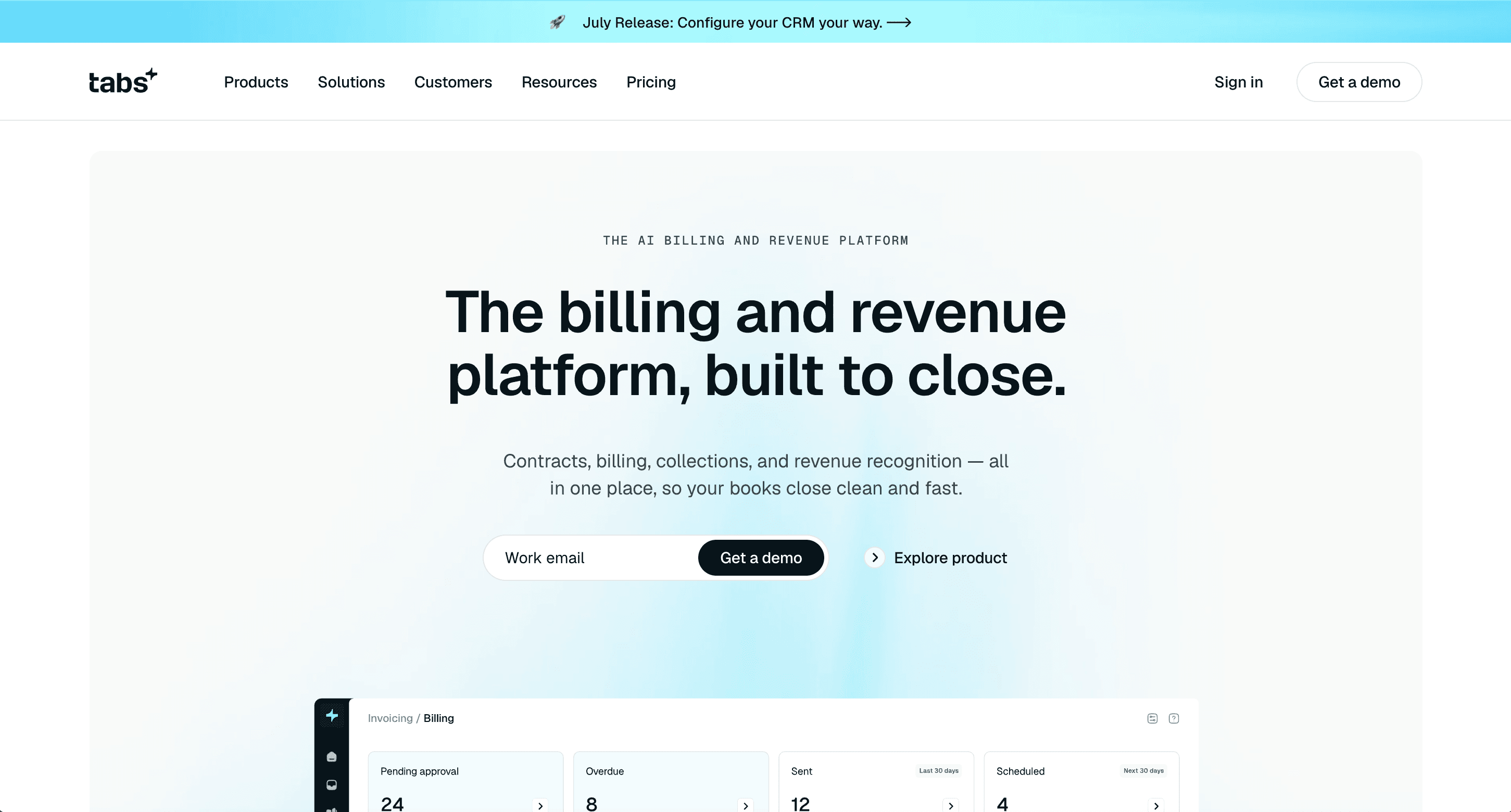
Tabs is Ferry's closest lookalike in scope: an AI revenue automation platform, founded in 2023, that runs contract ingestion, billing, collections, revenue recognition, and reporting end to end. If you're consolidating a stack of point tools, it belongs on the shortlist.

How it uses Plaid: Tabs pulls your bank transactions in on a daily-or-faster cadence and matches them to open invoices, so payments get applied and your A/R updates without manual entry. You pick which ledger account the payment writes to. That's genuine cash application, the same job Ferry's connection does.

Key features:

  • Contract ingestion that extracts billing terms from signed order forms

  • Subscription and usage-based billing, collections, revenue recognition, and reporting

  • Cash application from the Plaid transaction feed, with configurable ledger posting

  • Integrations with NetSuite, QuickBooks, Rillet, and Salesforce

Best for: SaaS teams that want billing, AR, and revenue recognition in one platform instead of three. One thing to weigh: its Launch plan starts at $1,500/month, the only public figure Tabs lists, which sits above Ferry's $1,000 Scale tier. If collections is the only gap you're filling, a lighter tool may be enough.

3. Tesorio
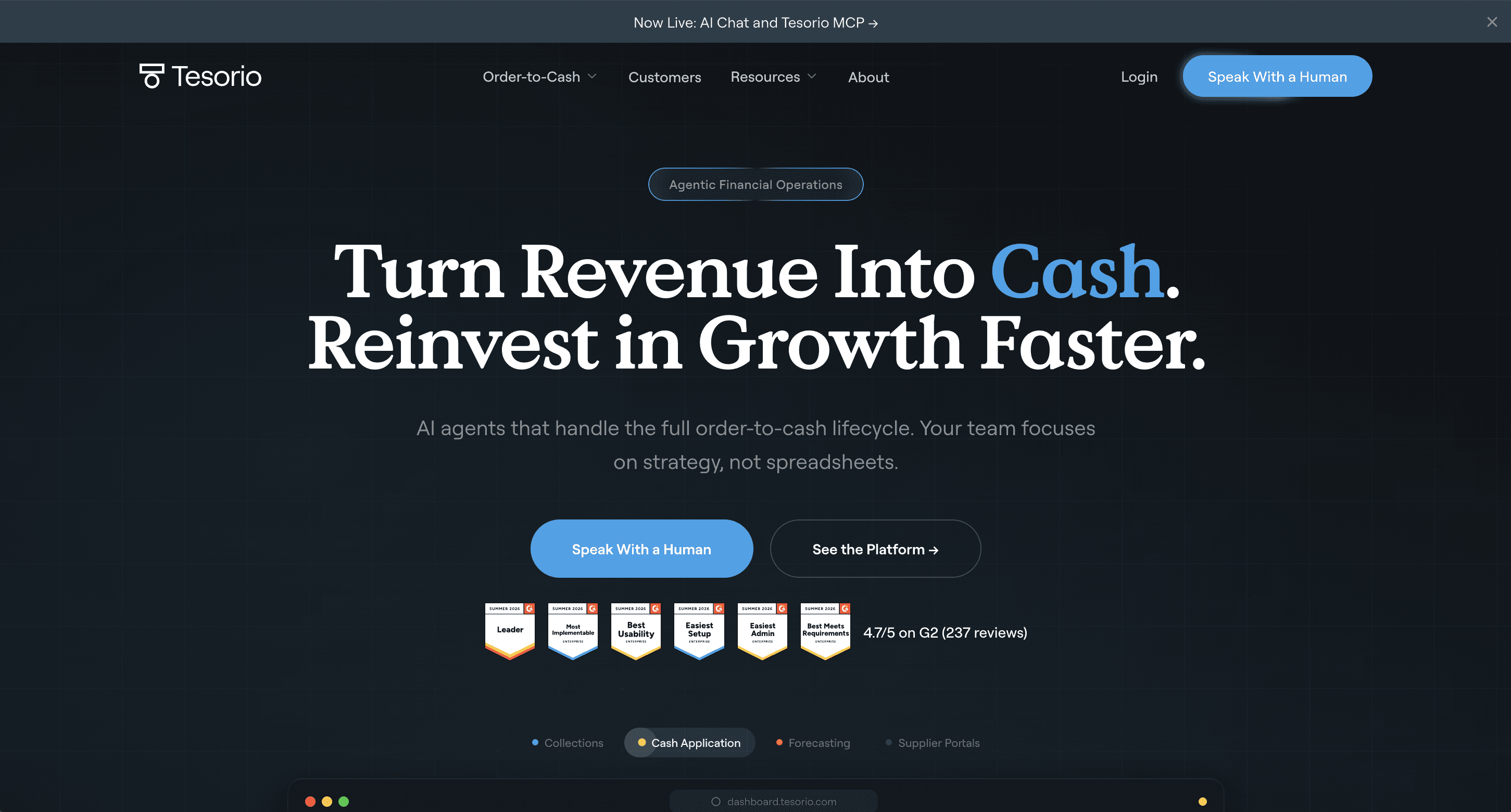
Tesorio is a collections-and-forecasting platform, strongest when a CFO wants AR performance and a cash-flow forecast in the same view. Machine learning predicts when each customer will actually pay, and that drives the collections queue.

How it uses Plaid: you connect your bank accounts through Plaid from the Integrations screen, and Tesorio pulls live incoming deposits. Its engine compares each deposit's amount, sender name, and reference IDs against your open receivables, flags anything it can't match for a human to review, then posts the cash-application entry back to NetSuite or Sage Intacct.

Key features:

  • Cash application from Plaid bank data, written back to your ERP

  • ML payment prediction by customer and invoice

  • Cash-flow forecasting built from live AR data

  • ERP integrations including NetSuite, Sage Intacct, Oracle, and Workday

Best for: mid-market to enterprise SaaS collections teams where forecasting matters as much as chasing, and where someone will still eyeball the exceptions the model flags.

4. Invoiced
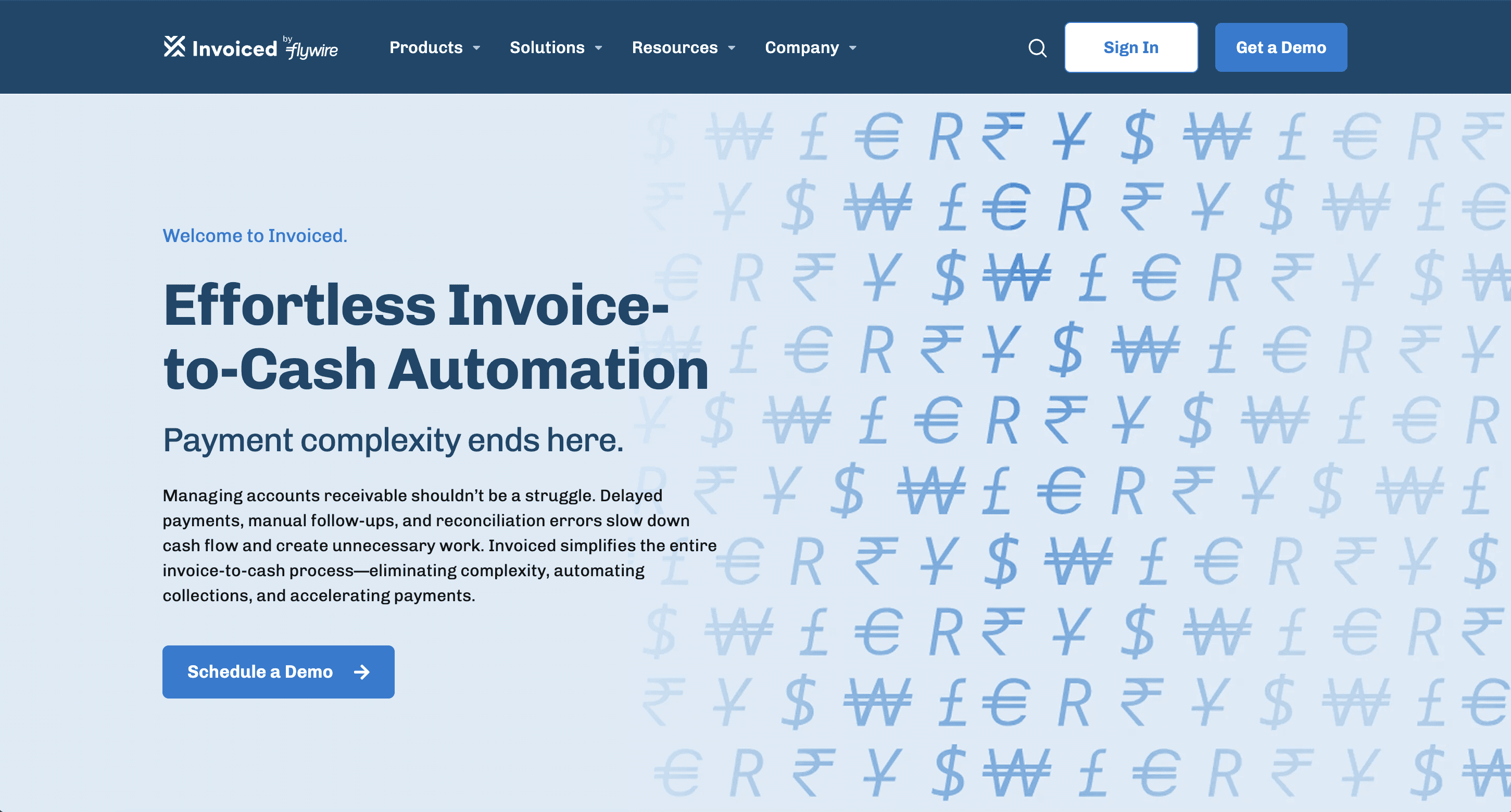
Invoiced runs the full invoice-to-cash cycle, invoicing, collections, a customer portal, and cash application, for finance teams that want a purpose-built AR tool rather than an ERP module.

How it uses Plaid: Invoiced's Bank Feed pulls transactions from your connected bank accounts through Plaid, and its CashMatch AI reads each incoming payment and recommends the invoice it belongs to, with a confidence score attached. 

Here's the nuance worth knowing: CashMatch suggests the match, it doesn't apply it silently. You approve or reject each one, which some teams love for control and others find is one more click than they wanted.

Key features:

  • Plaid bank feed feeding AI-matched cash application

  • CashMatch AI that recommends a match per payment, with a confidence score you approve or reject

  • Collections workflows and a customer payment portal

  • Sync with NetSuite, Sage Intacct, QuickBooks, Xero, and Business Central

Best for: a SaaS finance team that wants Plaid-connected reconciliation plus full invoice-to-cash in one tool, and is fine approving AI-suggested matches rather than having them applied hands-off.

General-ledger reconciliation: tools that keep the books current

This next one uses Plaid to keep the ledger current rather than to chase invoices. Different job, still worth knowing, because it's easy to mistake for an AR cash application when you're skimming a feature list.

5. Rillet

Rillet isn't really an AR add-on, it's an AI-native ERP and general ledger, and it earns a spot here only because of how it uses Plaid, not because it's a collections tool.

How it uses Plaid: Rillet's Plaid EU integration feeds European bank transactions, from institutions like HSBC, Revolut, and ING that legacy ERPs never connected cleanly, straight into the general ledger. 

That keeps your cash reconciliation current instead of waiting on a weekend CSV export. It's reconciliation into the ledger, not payment-to-invoice matching inside an AR workflow.

Key features:

  • Live bank feeds and automated reconciliation into the general ledger

  • Invoicing, AR aging, and Stripe reconciliation

  • Revenue recognition and a full general ledger

  • A broad integration catalog across the finance stack

Best for: companies ready to replace their ERP or accounting system, especially ones with European entities. If you just want a collections layer on top of your existing books, this is a far bigger commitment than the job calls for.

Bank linking and credit: tools that work before the cash arrives

These two use Plaid at the edges of the cycle, verifying an account you'll collect on, or checking a customer's bank data before you extend terms. Neither one applies cash to an invoice, so don't shortlist them expecting it to.

6. BILL
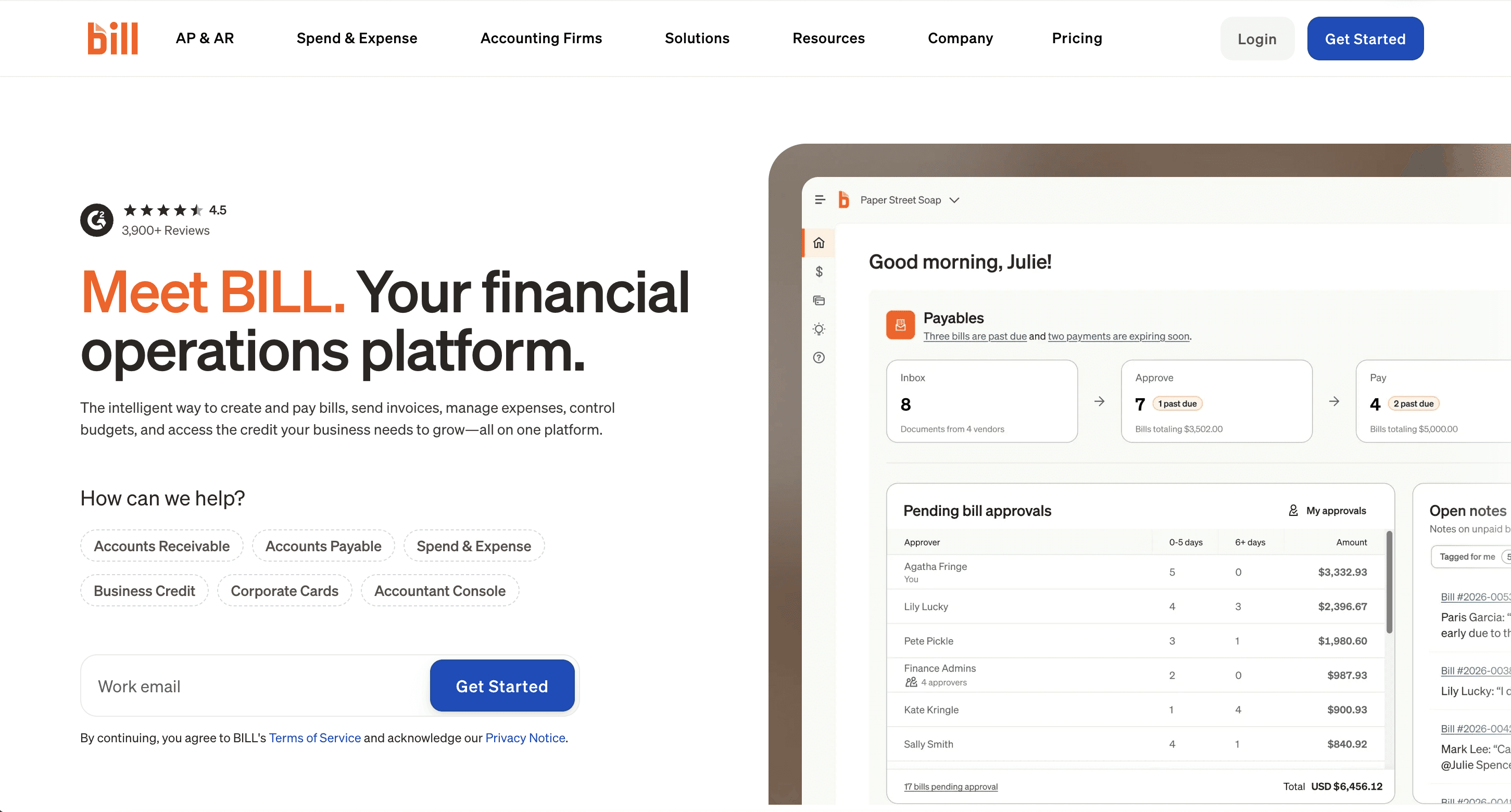
BILL is an accounts payable heavyweight with an AR module attached, and it's one of the most recognized names in SMB finance. The AR side handles invoicing and payment collection, but that's not where BILL is deep.

How it uses Plaid: BILL uses Plaid to link and verify a bank account. From Settings, you add a bank account through Plaid and BILL confirms it for payments. That's the setup side of the flow, getting a verified account connected so money can move, not the transaction-feed matching that applies cash to specific open invoices.

Key features:

  • Invoice creation and basic payment reminders

  • ACH and card acceptance with a customer portal

  • Plaid-based bank linking for payment setup

  • Sync with QuickBooks, Xero, NetSuite, and Sage Intacct

Best for: smaller teams where AP is the real job and basic AR invoicing rides along. If AR is your primary problem and you've got varied payment behavior across a hundred-plus customers, you'll hit the shallow end fast, there's no meaningful dunning customization or deep cash application.

7. Bectran
Bectran is a credit and collections platform, and its Plaid integration sits in a different part of the cycle than everything above, before you've even agreed to invoice a customer.

How it uses Plaid: in Bectran, a credit applicant signs into their bank through Plaid, which generates a verification report with account-ownership details and transaction history. Bectran then scores that data, account balances, non-sufficient-funds events, returns, and unusual activity, into a risk profile, and raises fraud alerts when something like the account owner not matching the applicant shows up. It's using bank data to decide whether to extend credit, not to apply a payment.

Key features:

  • Plaid-based bank verification inside credit applications

  • Credit management with automated risk scoring

  • Collections workflows tied to credit decisions

  • Transaction-history and cash-flow assessment for underwriting

Best for: businesses that extend trade credit or run formal customer credit checks. For a typical SaaS finance team that just wants invoices paid, this is more credit machinery than the job needs.

How do you choose the right Plaid-connected AR automation tool?

Start from the Plaid job you actually need, because that one filter cuts the list in half before you sit through a demo. Here's the order I'd work through:

  1. Name the job. Do you need cash applied to invoices, a bank account verified for ACH, or a credit decision before extending terms? That answer alone rules out most tools.

  2. Match it to your scale. A 40-person company and a 4,000-person company need different things, so don't buy enterprise machinery for an SMB problem, or the reverse.

  3. Run your messiest invoice through the demo. Usage-based charges, a mid-cycle amendment, a parent company paying for twelve subsidiaries. If any of those turns into a manual step, factor it in now, not after you've signed.

  4. Check ERP sync depth and the audit trail before you commit, because your finance stack integrations are where the automation quietly succeeds or fails. "We integrate with NetSuite" and "we sync to NetSuite in real time and every applied payment traces back to the invoice" are not the same statement.

That third step is where usage-based billers get burned, and it's worth sitting with. In Leapfin's 2025 State of Automation for Revenue Accounting survey of 200 finance leaders, 35% said hybrid and usage-based pricing was their single biggest source of operational complexity. 

Plenty of AR tools quietly assume flat recurring amounts. Simplismart tracked 750 pricing dimensions, each with different rates per customer, and after Ferry went live its month-end close shrank by 14 weeks. 

That's the kind of complexity your worst invoice is testing for. If a tool chokes on it in the demo, it'll choke on it in production. For a broader roundup beyond the Plaid angle, our best accounts receivable software guide covers the wider field.

The bottom line

Pick the Plaid job your accounts receivable automation actually needs to serve, shortlist only the tools that serve it, and run your worst invoice through two demos before you commit. 

If cash application is the job you're solving for, you can see how Ferry applies cash from your bank feed and traces it back to the contract at getferry.ai/demo.

Frequently Asked Questions

Frequently Asked Questions

What accounts receivable automation software integrates with Plaid?

Does a Plaid integration mean the tool applies cash to my invoices automatically?

What is the difference between Plaid for cash application and Plaid for ACH verification?

Can AR automation with Plaid handle usage-based billing?

Is Plaid safe for finance data?

Manish Choudhary

Manish Choudhary

Manish Choudhary is the CEO and Co-founder of Ferry AI and Flexprice.io, the open-source billing engine helping AI and SaaS companies monetize faster. He writes about pricing, product-led growth, and the future of revenue automation

Manish Choudhary is the CEO and Co-founder of Ferry AI and Flexprice.io, the open-source billing engine helping AI and SaaS companies monetize faster. He writes about pricing, product-led growth, and the future of revenue automation

Share it on:

Scale your Revenue with Ferry AI

Summarize this blog on:

Scale your Revenue with Ferry AI

More insights on billing

More insights on billing